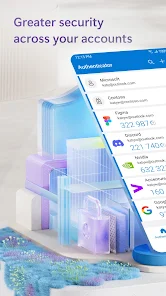
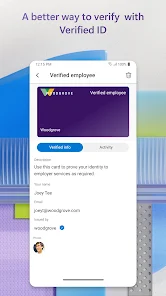
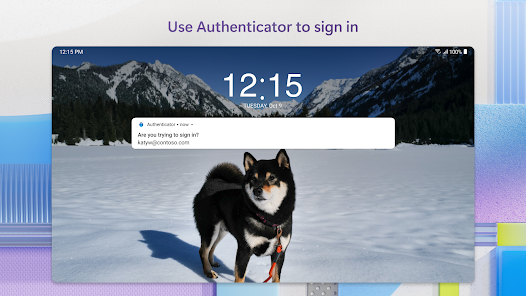
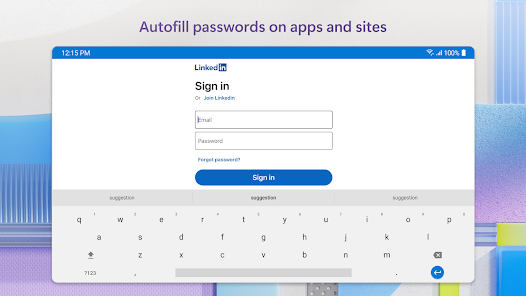
Microsoft Authenticator is a mobile app that provides multi‑factor authentication (MFA), passwordless sign‑in options, and account recovery tools for personal and enterprise users. It supports push notifications, one‑time passcodes, FIDO2‑based passkeys, and integrations with Microsoft accounts and Azure AD to protect access to apps and services.
Microsoft Authenticator added broader passkey and passwordless capabilities to simplify sign‑ins across apps and websites, alongside improvements to account backup and faster push notifications. The update also focused on enterprise needs with stronger Conditional Access integration, better device‑based authentication flows, and improved diagnostics and admin controls to streamline deployment and recovery.
1. Strong security with multiple authentication methods including passkeys and TOTP.
2. Seamless integration with Microsoft accounts and Azure AD for enterprise policies.
3. Cloud backup and recovery simplify device migration and credential restore.
1. Some advanced features (enterprise diagnostics, Conditional Access benefits) require Azure AD or Microsoft services.
2. Setup can be confusing for non‑technical users new to passwordless concepts.
3. Reliance on cloud backup may concern users who prefer local‑only storage.
Yes — the app is free to download and use for basic MFA, push notifications and TOTP for personal accounts. Some enterprise capabilities depend on Azure AD licensing and organizational configuration.
Open the app, go to your account security settings on the website or app you want to secure, choose “Add passkey” (or passwordless sign‑in), then follow the prompts to register the device using biometrics or a PIN. Platform and site support for passkeys (FIDO2) is required.
If you enabled cloud backup, install Authenticator on a new device and restore from backup to recover accounts. If you don’t have a backup, use your account provider’s recovery options (backup codes, alternate MFA methods, or contact IT/admin) to regain access and reconfigure Authenticator.