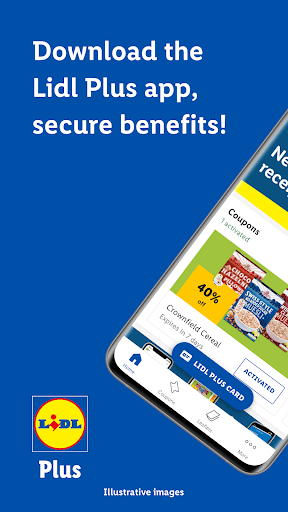
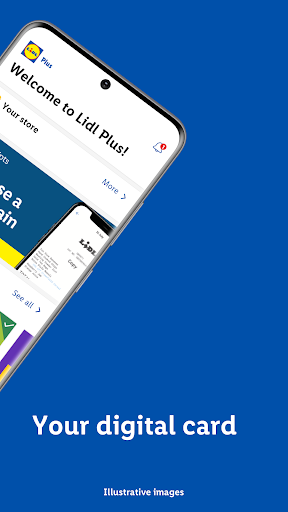
Lidl Plus is a rewards app launched by the supermarket Lidl, offering shoppers exclusive discounts and points for rewards. The app is designed to reward customers for shopping at Lidl and help customers get discounts on their favorite foods, drinks and household items.
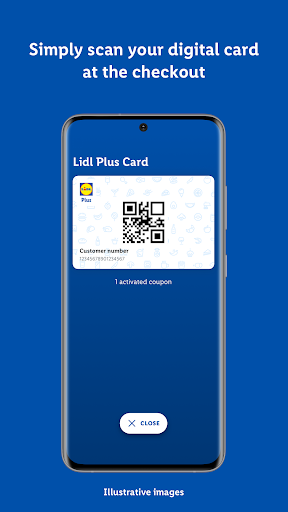
The app offers users personalized information and promotions, including Lidl coupons based on their personal interests. Users can also use this app to win amazing scratchcard prizes and collect points using a digital rewards card when they’re at the checkout.
Lidl Plus now introduces a self‑scanning feature designed to make your in‑store shopping trip quicker and more flexible. During the initial trial across select stores, you can scan products as you shop, track your spending in real time, and view your savings directly in the app. When you’re done, simply head to a Lidl self‑checkout terminal to complete your payment with ease. This update is part of Lidl’s continued investment in smart, scalable technology that gives you more control over how you shop. A wider rollout is planned for next year as we keep improving your in‑store experience.
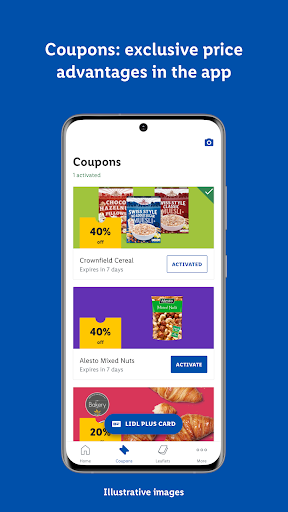
Big bargains: Users can activate coupons that offer roughly 10-20% off certain items.
Spending target: Money-off coupons will be unlocked when you reach your spending target
Scratchcard: After each shop a scratchcard appears in the app. You’ll get a chance to win up to £20 off for your next shop.
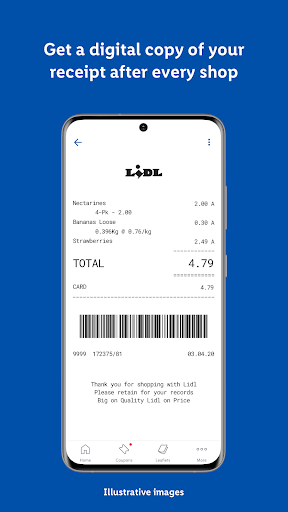
Digital Receipt: The app helps you to track your spend without collecting piles of paper receipts. After each purchase, the app automatically stores a digital version of your receipt in the ‘Receipt history’ section.
Partner offers: Store leaflets and deals from partners such as Sky and the AA are also on offer in the app.
Welcome deal: Download the app and you’ll immediately get a welcome deal - a £5 off your first £25 shop
If users have previously opened the app and logged in in one country, they’ll have to go to the bar at the bottom of the app home screen to change the language. Head to More > Settings > Country and language, then choose another country and accept the conditions of use for the relevant country.