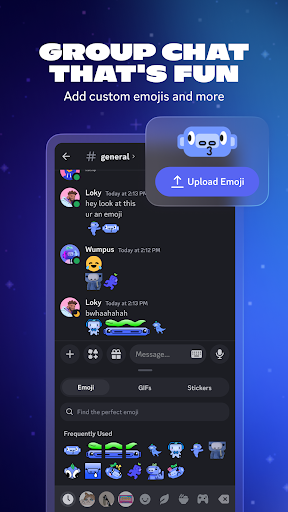
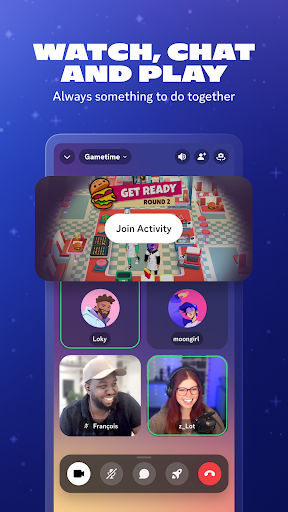
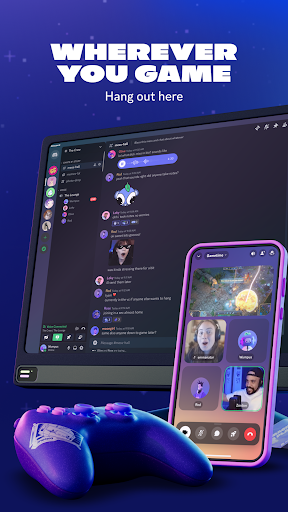
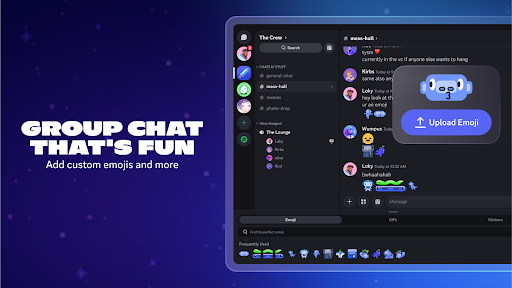
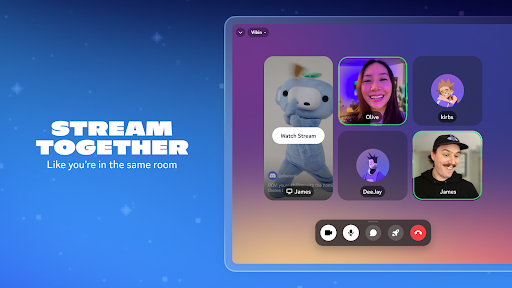
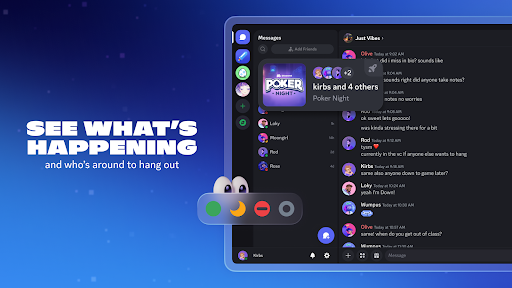
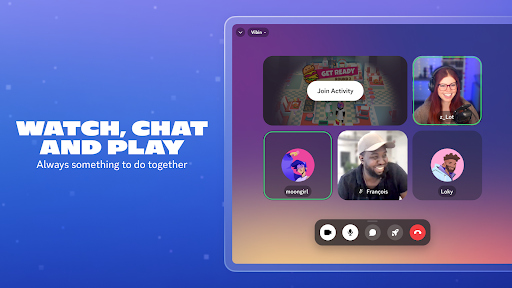
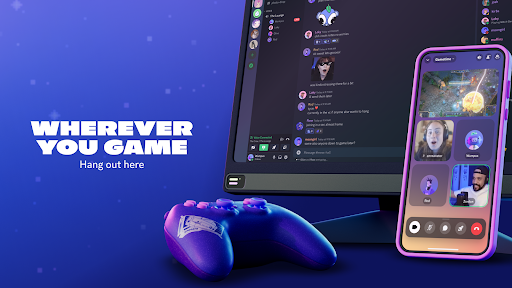
Discord is a communication app built around servers, letting communities and friend groups chat through text channels, voice calls, and video. It’s widely used for gaming, study groups, fandoms, and work-like collaboration thanks to organized channels, roles, and powerful moderation tools. With desktop and mobile apps plus solid syncing, Discord makes it easy to stay connected in real time or catch up asynchronously.
Discord has introduced a new Wishlist feature that lets you save items you want to buy later and display them publicly on your profile. In the Discord Shop, you can now tap the heart icon on items you don’t own to add them to your Wishlist, making it easier for friends to see what you want—and potentially gift it to you. Discord also says that, starting with Marvel Rivals, you’ll soon be able to add select in-game cosmetics to your Discord Wishlist via a new “Marvel Rivals Shop” channel inside the official Marvel Rivals server, with options to purchase or wishlist items directly from there. If you receive (or buy) an in-game item through Discord, you’ll need to link your Marvel Rivals account to Discord to claim it, after which it should appear in your in-game inventory.
1. Flexible community setup: servers, channels, roles, permissions, and moderation tools make it easy to organize anything from small friend groups to large communities.
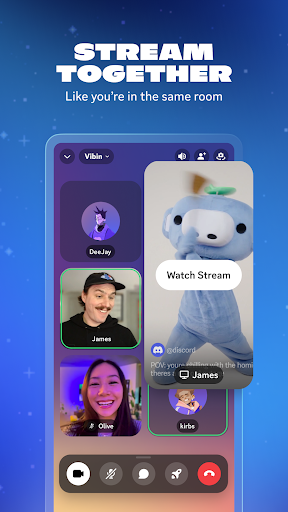
2. Strong real-time communication: reliable voice channels, group calls, screen sharing, and video options support hangouts, meetings, and game sessions.
3. Rich integrations and features: bots, webhooks, file sharing, threads, events, and searchable history help manage conversations and keep communities active.
1. Can feel overwhelming at first: the server/channel structure, settings, and notifications take time to learn and configure well.
2. Notification noise is common: joining multiple servers can lead to constant pings unless you carefully mute channels and adjust preferences.
3. Some perks are paywalled: higher upload limits, better streaming quality, and cosmetic boosts are tied to Discord Nitro or server boosts.
Yes. Core features like joining servers, messaging, and voice/video calls are free. Optional subscriptions (like Nitro) add perks such as larger uploads and enhanced streaming quality.
Yes. Many teams use Discord for organized channels, threads, and quick voice meetings. However, whether it fits depends on your organization’s compliance and security requirements compared with tools like Slack or Microsoft Teams.
Start by muting busy servers or specific channels, setting notification levels per server, and using “@mentions only” for alerts. You can also organize your server list into folders and turn off unnecessary DM requests.