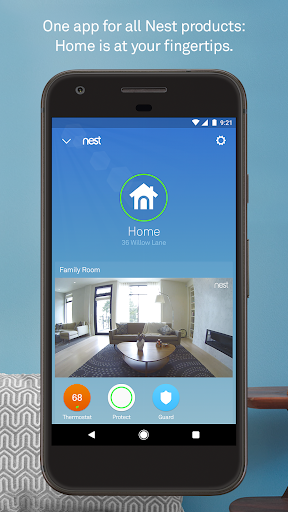
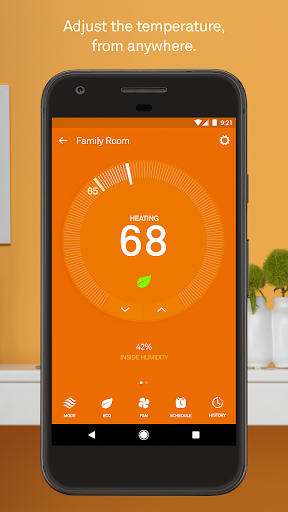
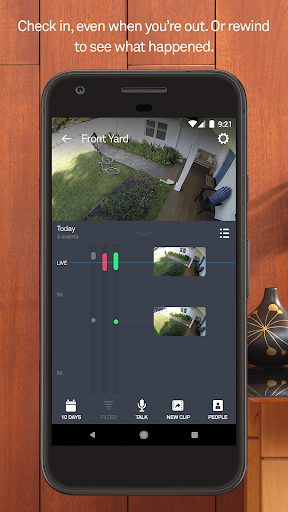
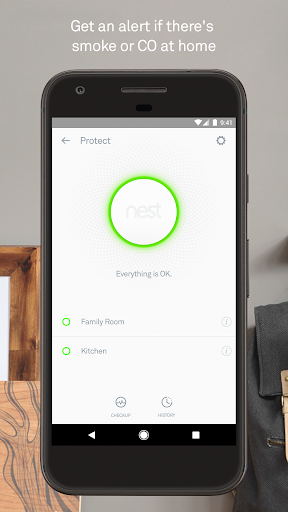
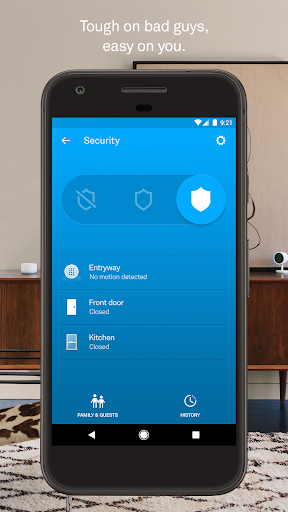
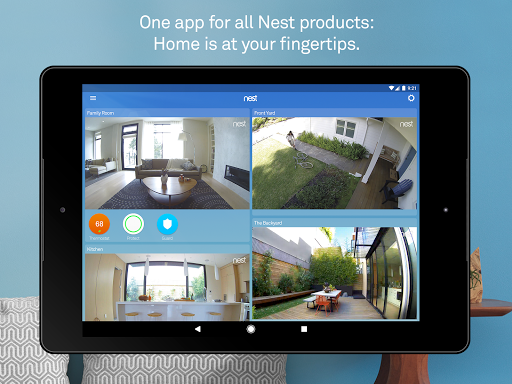
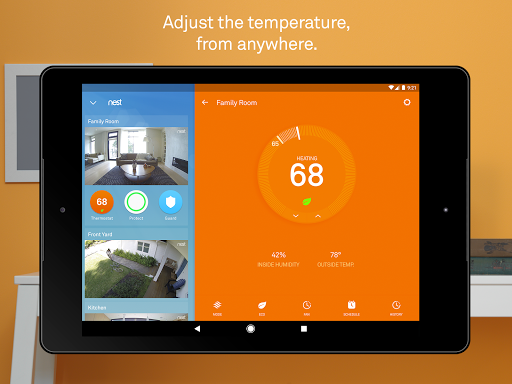
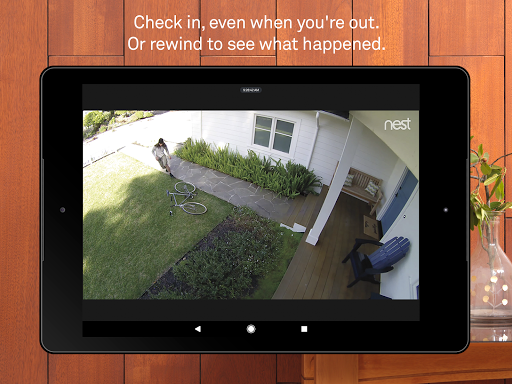
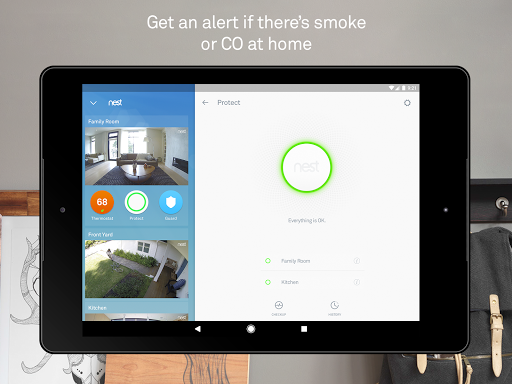
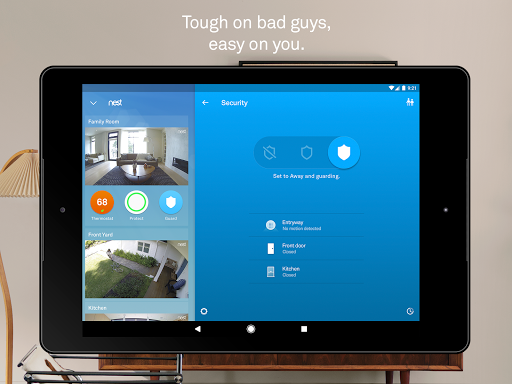
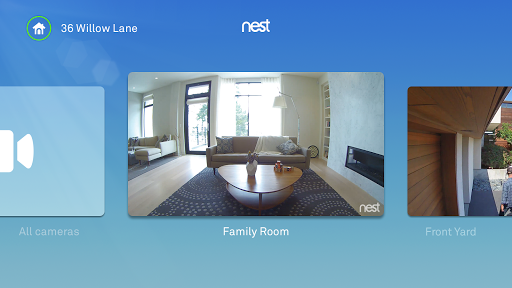
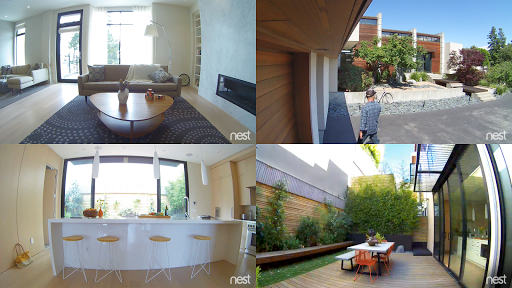
At Google Nest, we make products that are beautiful, helpful and easy to use. The Nest app is no exception. Control your Nest thermostat, arm and disarm your Nest Secure alarm system, see your home with Nest Cam, and get an alert if Nest Protect goes off – all in one place. And receive notifications on your Android phone or tablet.
Nest uses sensors, algorithms, and the location of your phone to do the right thing automatically, turning off the heat and turning on the camera when you leave. Forget to set the alarm? It will notice, and send you a Remind Me alert.
• Change the temperature from the subway or the sofa using your phone.
• See how much energy you used, and why.
• View and edit your schedule.
• Get extreme temperature alerts before your home gets too cold.
• Arm and disarm your home remotely from the app.
• Receive a Remind Me alert if you leave home and forget to set the alarm.
• Receive a security alert on your phone telling you what triggered the alarm – a door or window opening, or someone entering a room.
• Get an alert if Nest Protect senses smoke or carbon monoxide. (Requires Wi-Fi and a working internet connection.)
• Silence an alarm from your phone with App Silence. (Nest Protect 2nd gen only.)
• See the status of your batteries, sensors, and Wi-Fi connection.
• Run a Safety Checkup to test all your alarms at once. (Nest Protect 2nd gen only.)
• See your Safety History so you know when alerts happened and why.
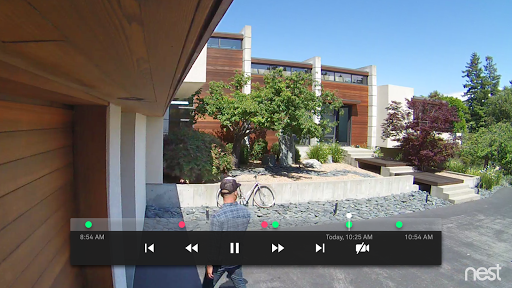
• Get alerts when there’s activity, and talk back to get someone’s attention.
• See what you missed with snapshots of the last three hours.
• Check in 24/7 with crisp 1080p HD video (Nest Cam and Dropcam Pro only).
• Get person alerts (or familiar face alerts with Nest Cam IQ) and up to 30 days of video history when you subscribe to Nest Aware. (Subscription service sold separately.)
• Designed to show you everything at your doorstep – people head to toe, or packages on the ground.
• Knows the difference between a person and a thing.
• Notifies you about visitors, even if they don’t ring the bell.
• HD Talk and Listen lets you have a seamless conversation with someone at your door.
• When you can’t answer the door, quick responses let you reply to visitors with prerecorded audio messages.
• Instead of sharing keys, assign passcodes to people you trust in the Nest app.
• Get an alert when someone locks or unlocks the door.
• With Home/Away Assist and Auto-Lock, your door can lock itself when you leave.
• Some features require a working internet connection, Wi-Fi, and/or Bluetooth.
If you’re an Android user and don’t download the app from the official Google Play Store, you may find the installation process more complicated than usual.
But we are delighted to inform you that you don’t need to worry. To ensure you could install this app smoothly, we have written and uploaded a detailed tutorial. It would guide you on installing an app after downloading it from our website step by step, with the help of pictures.
You may find this helpful article on the downloading site, or visit How to install APK/XAPK files on Android.
If you need further help, please do not hesitate to contact us via email [email protected].
We fully understand your concern about safety. We agree that one person wouldn’t be too careful in the cyber world. Meanwhile, we are happy to tell you that one of our priorities is to provide our users with safe app files that they can use without any worries.
We guarantee that all the app files we provided originate from official and reliable sources. We promise that they do not contain any malware that will harm your hardware or the safety of your privacy.
We are glad to let you know that the vast majority of apps on our website are available for free download. Only a small selection of apps require payment, and their prices are set solely by the respective developers—we simply provide an official and secure download platform.
Rest assured, whether an app is free or paid, every download link on our site is verified and completely safe. You can download with confidence, and no account registration is needed—just click the download button and you're all set!
Recently we received a lot of emails from our users, which said they couldn't log in for different reasons, such as "forgot the user name or password" or "had a new phone." We are willing to help you out. Please read the notes below to see what we can do.
To answer this question, please first let us know which account you’re referring to.
If you're referring to your account of some app, like your Facebook account or your Youtube account. Unfortunately, we would not be able to help in this case. We would suggest you turn to the customer service of this application.
If you’re referring to your Appurse account, we should apologize for your confusion since there is no Appurse account. We never require registration for our service, and you will not find any procedure related to creating an account or registering on our website.
This question is essentially quite similar to the prior one. It’s a pity that we are unable to help you to cancel the subscription to a third-party application directly, while we would suggest you to contact its customer service for further information.
Sorry that we are unable to help you to get a refund from a third-party application directly. If you wish to get a refund from a third-party app, we would suggest you to contact its customer service. We would be happy to provide you the way to contact them.
If you want a refund from us, we should apologize for your confusion. Our service is 100% free, and any payment information is not required.
If you run into any site that asks you to provide your payment information, be careful. Remember never reveal your payment information to any unauthorized third parties, no matter how attempting their offer may seem.
Sorry that we cannot answer this question directly, for this only aims to answer some general questions. You may find how to use a certain app by checking our review page.