Great to-do list app for new Android device - The Verge
The best to-do app for Android - MakeUseOf
The best to-do list app for 2020 - Wirecutter (A New York Times Company)
MKBHD's favorite productivity tool
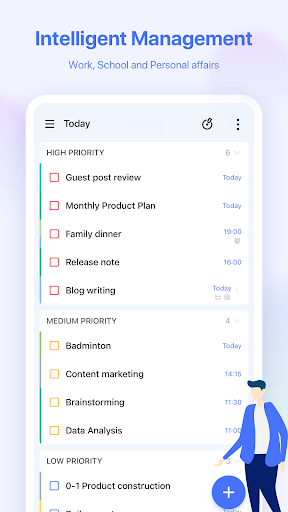
TickTick is a simple and effective to-do list and task manager app which helps you make schedule, manage time, stay focused, remind about deadlines and organize life at home, work and everywhere else.
TickTick helps you make the most of your day and get things done (GTD). Whether there is an idea you want to capture, personal goals to achieve, work to accomplish, habits to track, projects to collaborate with colleagues, or even a shopping list to share with family (with the help of a list maker). Achieve your goals with our productivity planner.
TickTick is easy to get started with its intuitive design and personalized features. Add tasks and reminders in mere seconds, and then focus on things that really matter.
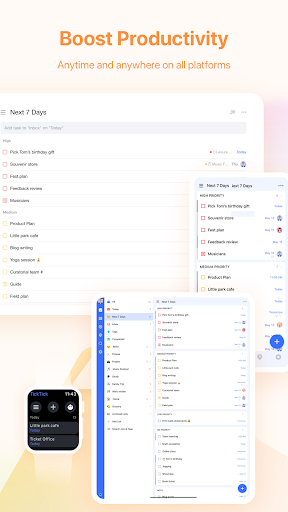
You can view and manage them wherever you are to achieve your goals more efficiently.
Add them by typing or voice input. With Smart Date Parsing, the date info you enter will be automatically set as due date for task reminder with alarm. Stay as productive as you can with this time manager and to-do checklist!
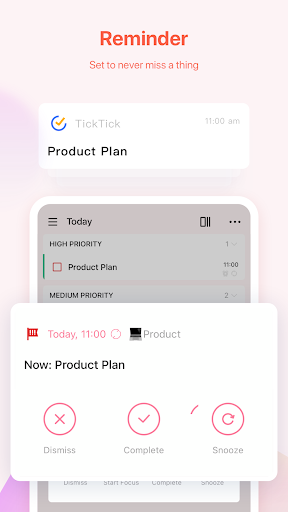
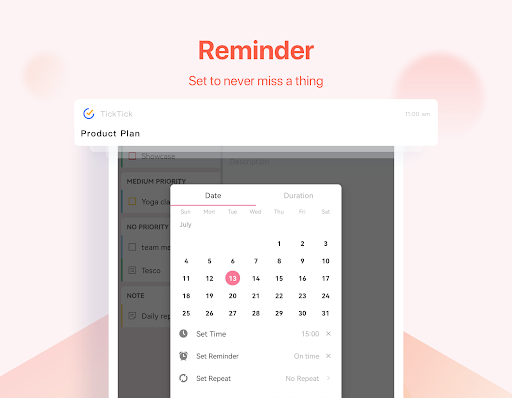
Instead of keeping all things in mind, put them into TickTick. It will remember everything for you and provide instant task to-do list reminder, for you to gtd. Set multiple notifications for important tasks and notes to never miss any deadline!
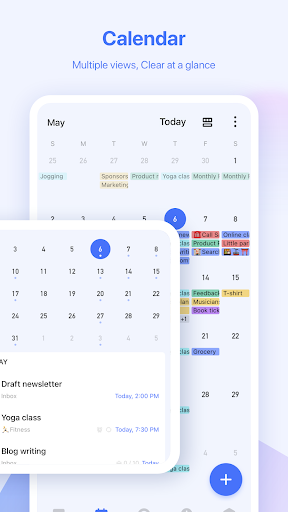
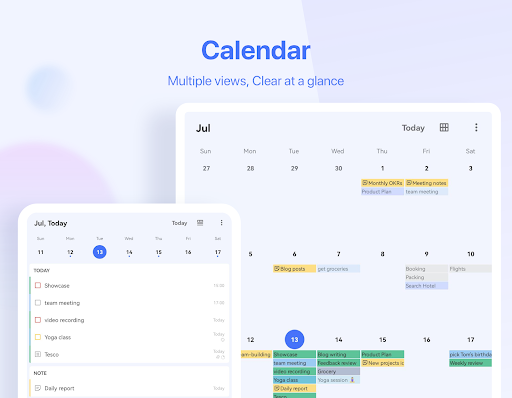
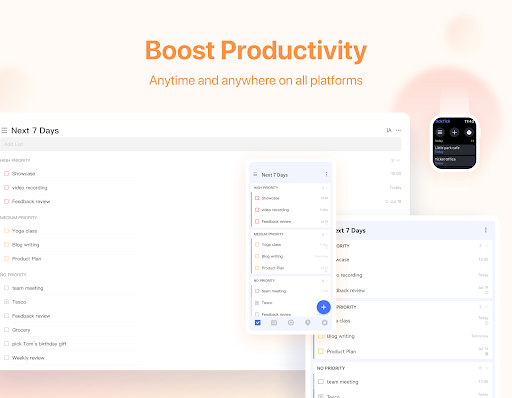
Get a clear overview of your schedule, weeks or months ahead in to-do calendar - Day Planner for free. Third-party calendars can also be integrated, such as Google calendar, Outlook, etc.
Get easy access to your tasks and notes by adding a checklist widget to your home screen. There are various types of widgets - pick the one you like most.
Set tasks to repeat for those that need to be done regularly. Choose a repeating period (daily, weekly, weekdays, or monthly etc.). You can customize the recurrence, such as “every 2 weeks from Monday to Thursday”, or “project meeting every 2 months on the first Monday”.
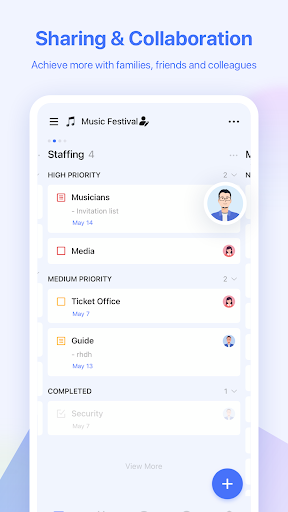
Share lists, assign goals to collaborate with family, friends or colleagues. Spend fewer hours in meetings, phone calls or emails. Improve efficiency in a collaborative environment.
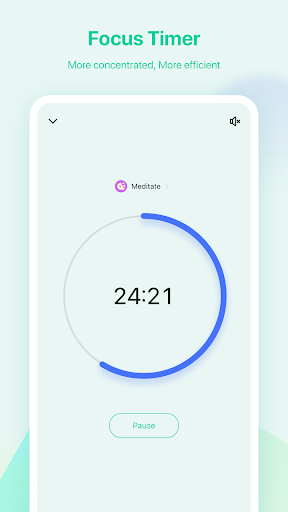
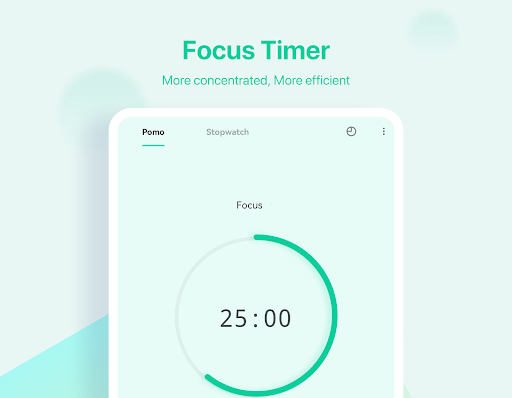
The Pomodoro Timer can help log your distractions and stay more focused while at work. Try playing a white noise, it helps!
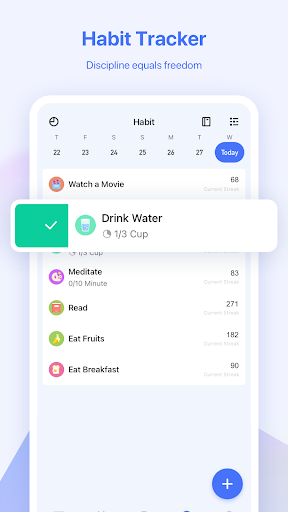
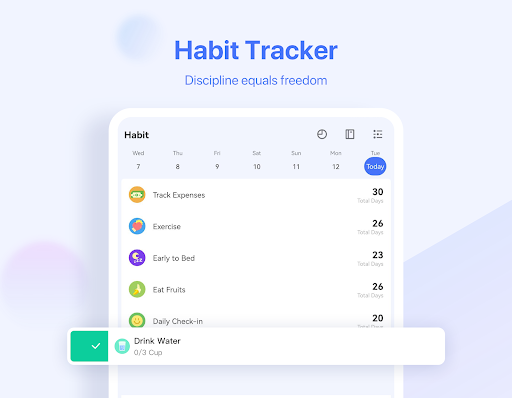
Enable Habit in the Tab Bar and start building some good habits - meditation, exercise, or reading etc. Setting a goal to help track your habits and life in a more precise and scientific way.
How TickTick makes you more productive?
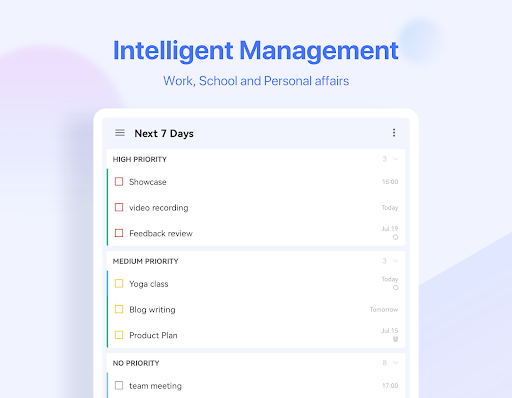
- Keep it all organized and know what to do next in to-do list
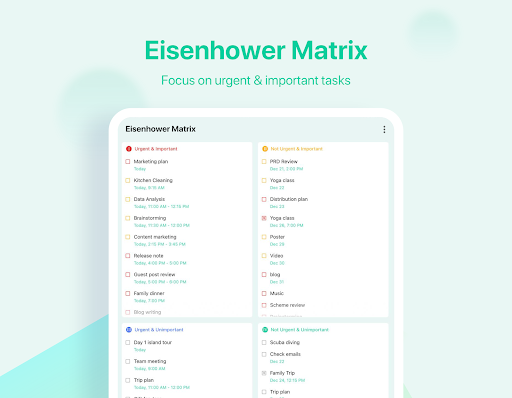
- Classify your tasks and to-dos with list maker, folders and tags
- Make checklists and notes
- Improve your concentration skill with built-in Timer & Stopwatch
- Sort goals by date, priority, and title
- Attach photos, records and other attachments
- Build good habits with goals to live a healthier and more energetic life
What to enjoy more at TickTick Premium?
- Choose from a variety of beautiful themes
- View business calendar in grid format (better than in other time management apps)
- Take ultimate control of 299 lists, 999 tasks per list, and 199 subtasks per task
- Add up to 5 reminders to each task
- Share a task list planner with up to 29 members
- Use the checklist format and type a description in the same task
- Subscribe to third-party calendars and day planners in TickTick
If you’re an Android user and don’t download the app from the official Google Play Store, you may find the installation process more complicated than usual.
But we are delighted to inform you that you don’t need to worry. To ensure you could install this app smoothly, we have written and uploaded a detailed tutorial. It would guide you on installing an app after downloading it from our website step by step, with the help of pictures.
You may find this helpful article on the downloading site, or visit How to install APK/XAPK files on Android.
If you need further help, please do not hesitate to contact us via email [email protected].
We fully understand your concern about safety. We agree that one person wouldn’t be too careful in the cyber world. Meanwhile, we are happy to tell you that one of our priorities is to provide our users with safe app files that they can use without any worries.
We guarantee that all the app files we provided originate from official and reliable sources. We promise that they do not contain any malware that will harm your hardware or the safety of your privacy.
We are glad to let you know that the vast majority of apps on our website are available for free download. Only a small selection of apps require payment, and their prices are set solely by the respective developers—we simply provide an official and secure download platform.
Rest assured, whether an app is free or paid, every download link on our site is verified and completely safe. You can download with confidence, and no account registration is needed—just click the download button and you're all set!
Recently we received a lot of emails from our users, which said they couldn't log in for different reasons, such as "forgot the user name or password" or "had a new phone." We are willing to help you out. Please read the notes below to see what we can do.
To answer this question, please first let us know which account you’re referring to.
If you're referring to your account of some app, like your Facebook account or your Youtube account. Unfortunately, we would not be able to help in this case. We would suggest you turn to the customer service of this application.
If you’re referring to your Appurse account, we should apologize for your confusion since there is no Appurse account. We never require registration for our service, and you will not find any procedure related to creating an account or registering on our website.
This question is essentially quite similar to the prior one. It’s a pity that we are unable to help you to cancel the subscription to a third-party application directly, while we would suggest you to contact its customer service for further information.
Sorry that we are unable to help you to get a refund from a third-party application directly. If you wish to get a refund from a third-party app, we would suggest you to contact its customer service. We would be happy to provide you the way to contact them.
If you want a refund from us, we should apologize for your confusion. Our service is 100% free, and any payment information is not required.
If you run into any site that asks you to provide your payment information, be careful. Remember never reveal your payment information to any unauthorized third parties, no matter how attempting their offer may seem.
Sorry that we cannot answer this question directly, for this only aims to answer some general questions. You may find how to use a certain app by checking our review page.